 Mobile Image
 Mobile Image
 Mobile Image
Original Image
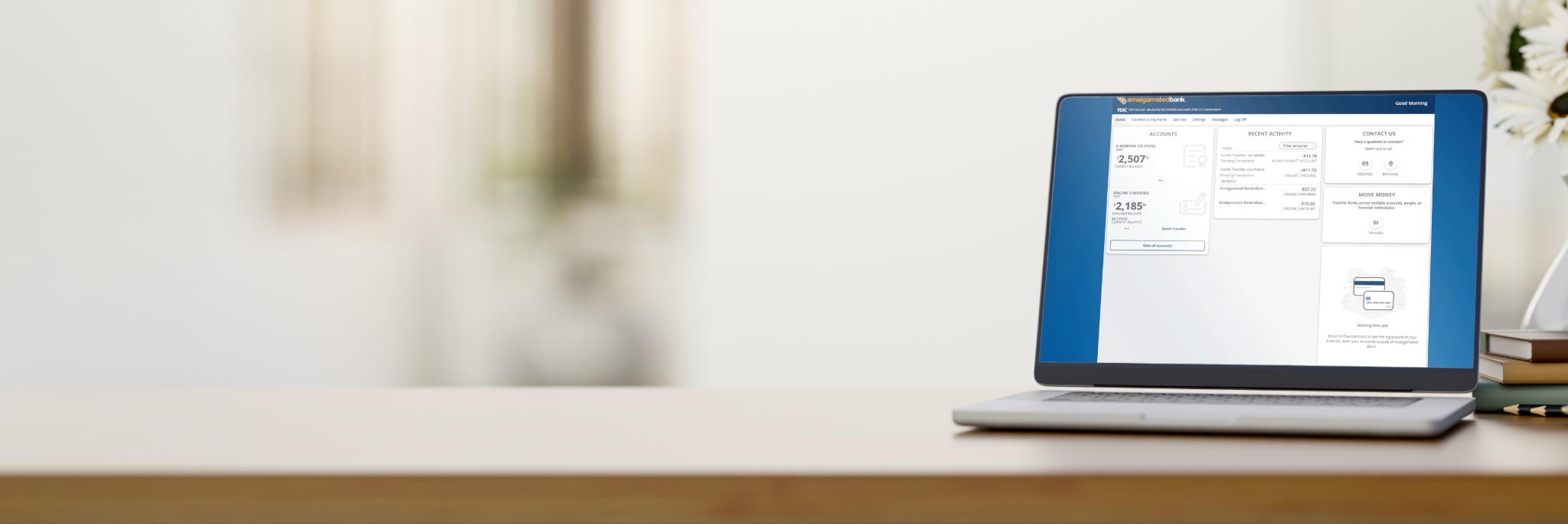
Welcome to your new digital banking experience
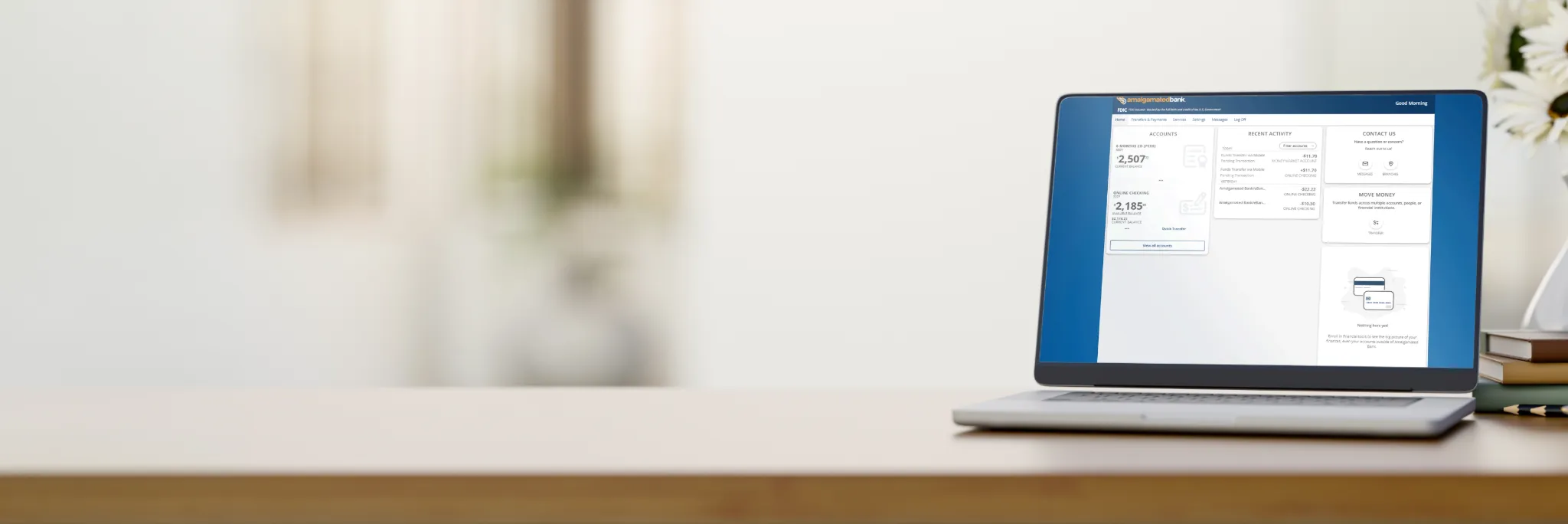
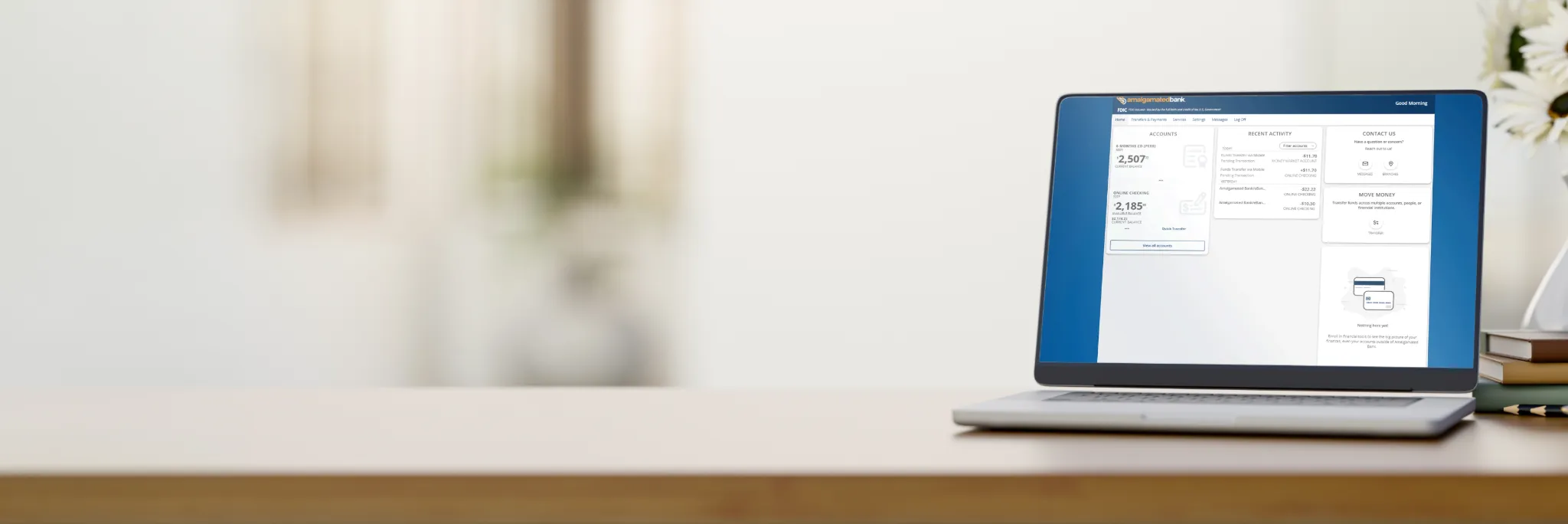
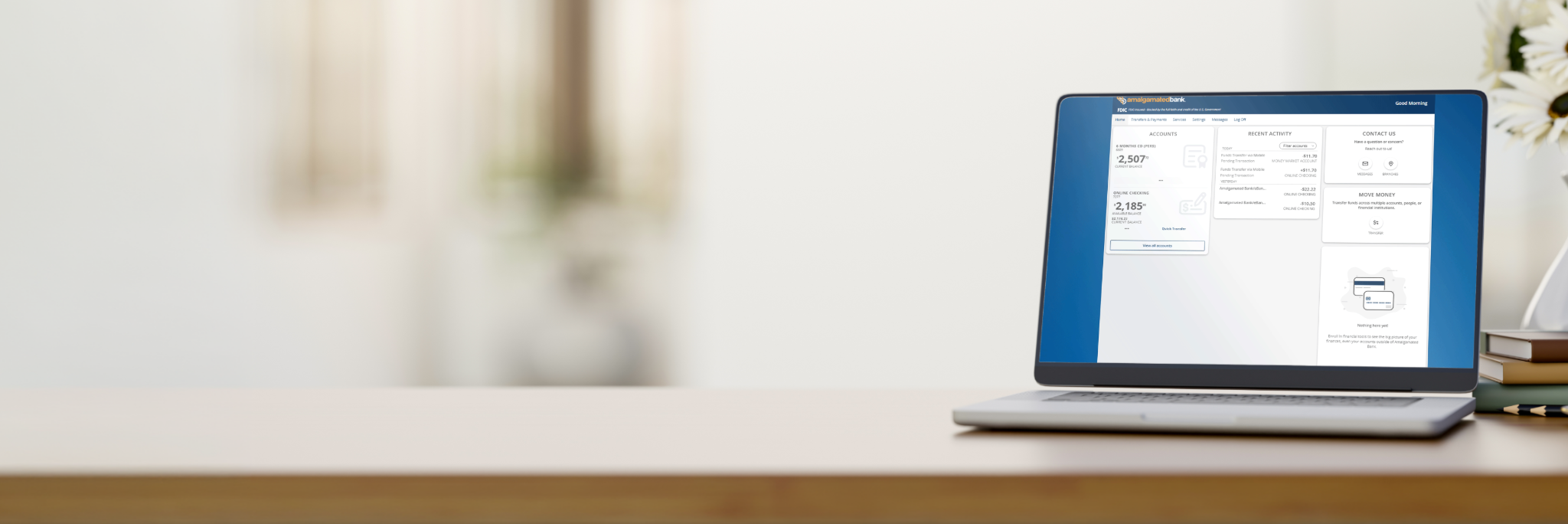
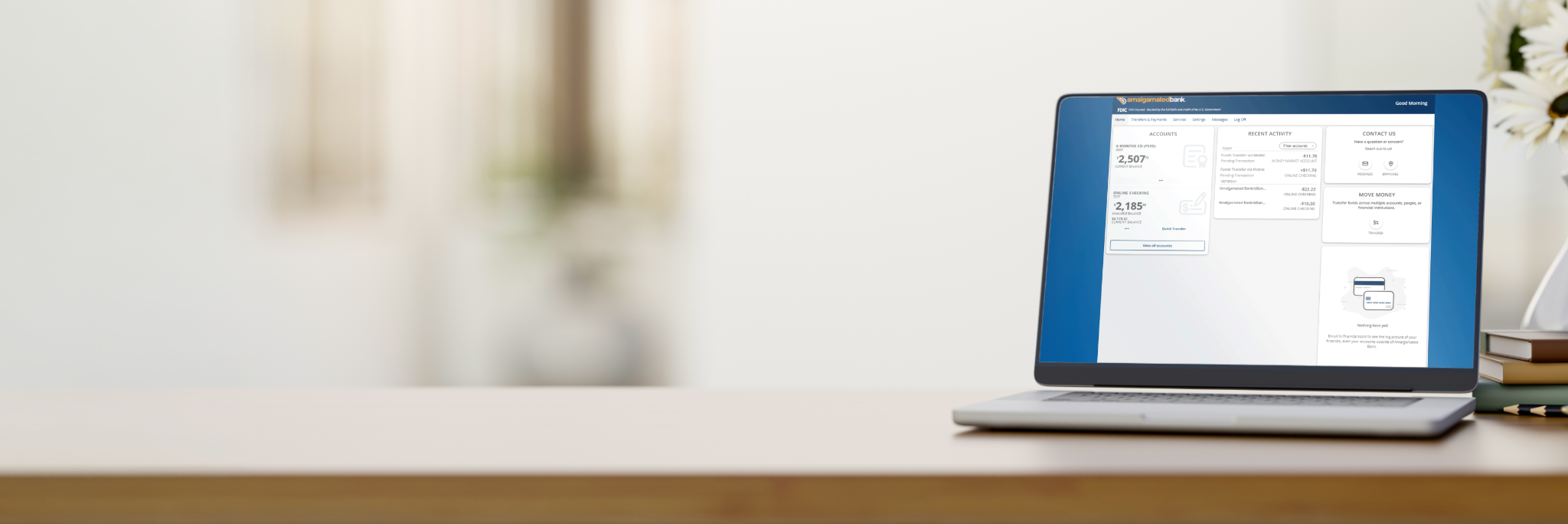
Starting Monday, November 2, you'll have access to an enhanced digital banking platform and mobile app designed to make banking easier, faster, and more secure.
This Resource Center contains everything you need to prepare for launch and get started with the new platform.
Important dates
Friday, October 30, 2026, 6PM ET - Monday, November 2, 2026, 10AM ET
Transition Period. Existing online banking platform and mobile app unavailable.
Monday, November 2, 2026, 10AM ET
New digital banking platform and mobile app launch.
Before Launch
To help ensure a smooth transition:
- Ensure your email address and phone number are up to date in your current digital banking profile.
- Complete any time-sensitive banking activity before the transition period begins.
- Avoid scheduling transfers during the transition period.
- Review the First-Time-Login Guide and FAQs below for important instructions and information.
- Look out for an email on November 2 with instructions on how to access the new platform.
Contact us
If you have questions or need assistance, please contact Customer Service.
Phone: 800-662-0860
Monday-Friday: 8:00 AM-8:00 PM ET
Saturday: 9:00 AM-2:00 PM ET
Email: Customer Service
Live chat with us
Click the chat box on the page to begin
Got questions?
Get a Sneak Peek
Learn more about the new digital banking experience coming soon.
First-time Login Guide
Getting started in the new platform is easy. Download our step-by-step guide for help with:
- Accessing the new platform for the first time
- Verifying your identity
- Creating your new password
- Setting up multi-factor authentication (MFA)
- Registering your device
Download the First-Time Login Guide
Frequently Asked Questions
No. To get started, simply log in using your existing username and follow the prompts to create a new password and complete the identity verification process.
You'll continue using your current username, but you'll need to create a new password when you first log in.
Yes. You will need to download the new mobile banking app.
No. Your account numbers will remain the same.
Yes. Existing Bill Pay information and payees will transfer to the new platform.
Yes. Transaction history, statements, account nicknames, and paperless preferences will transfer.
Yes. Existing alert preferences will not transfer, and you'll need to recreate them after your initial login.